Meta Ads
Why your best performing ad died the week you turned off the losers
Short answerBecause the “losers” were probably helping it. In my experience Meta shows people several of your ads before they buy, and the credit tends to land on the first or last one they saw. Turning off Facebook ads in the middle of that sequence takes away the support that was setting up the credited ad’s sales. Judge the account’s blended CPA, not each ad’s, and if you’ve already cut them, turn them back on.
It’s the most responsible-looking move in media buying. Sort the ads by cost per purchase, find the bottom few, pause them. Cleaner account, less waste, more budget for the winner.
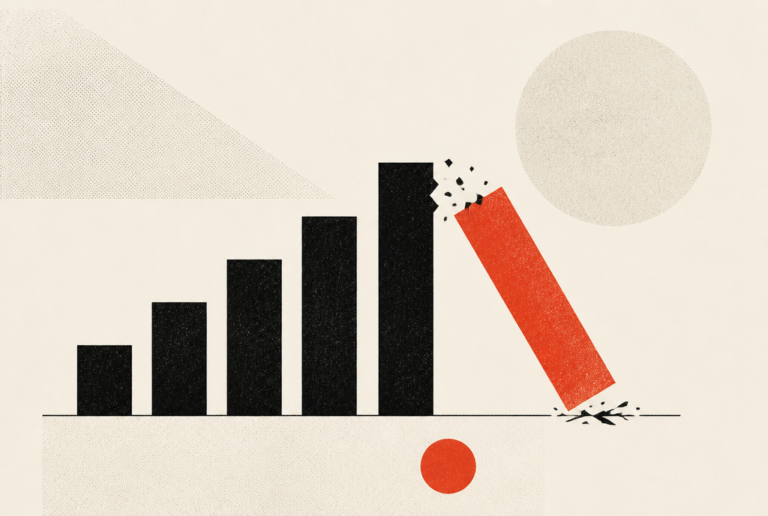
Then a week later the winner falls apart, and nobody can figure out what changed. You didn’t touch it. You only touched the bad ones.
That’s exactly what changed.
The loser was the middle of the story
Here’s what I believe is happening, and why I don’t lean on single-ad tracking the way a lot of people do.
Meta sequences your ads. If you have ten ads in a campaign, it’ll often take four or five of them and show them in different orders to people it thinks will eventually buy. Someone sees ad one, then three, then four, and finally buys on ad five. Depending on your settings, most of the time the first or the last ad gets the credit.
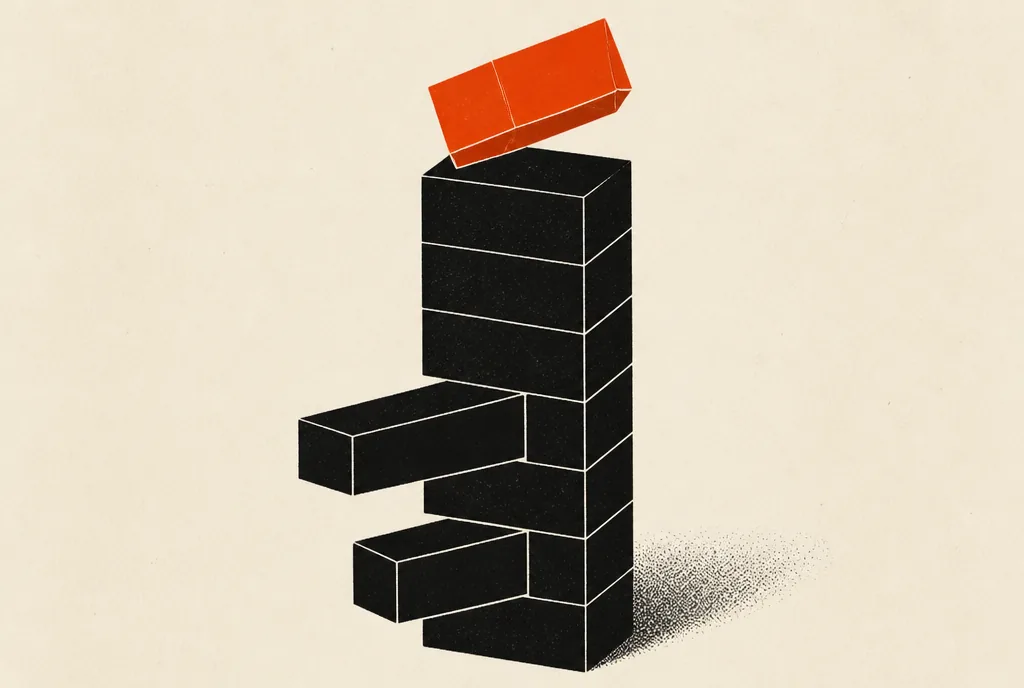
So the ads in between did real work and got none of the credit. On a report, they look expensive. In real life, they were holding the thing up from the middle.
Turning off Facebook ads like these is like sending out twenty emails, having somebody buy on email twenty-one, and deciding you can delete emails one through twenty. Nobody would do that with an email sequence. People do it with ads every week.
You can’t skip from page one of a book straight to the ending and expect the ending to land the same way. The winner was the ending.
What it looks like when it happens
I’ve hopped on calls with people running really big accounts who said something like, “We completely shut down these 40 ads, and since then the entire account has collapsed.” My answer was pretty simple. Turn them back on and see what happens.
A week later, the account was back. They didn’t understand it. Those ads were vital.
And this isn’t only a big-account thing. I’ve done it to myself. On some smaller accounts spending $100 to $200 a day, I turned off a few ads just a couple of weeks in, and results really went down. I looked at it and went, okay, I messed up, I shouldn’t have done that. I turned them back on.
Turning off Facebook ads plays out the same way at any size. You remove the ads that looked like waste, and the ad that looked like a hero stops closing, because it was never closing alone.
How to read the account so you don’t do this
The fix starts with changing what you look at. Individual ad numbers are the wrong scoreboard. Blended CPA is the right one: total spend across the account divided by total purchases, compared with your target. If that number is healthy, the account is working, even if some ads inside it look ugly on their own. I go through the whole reading order in how to read a report when every metric contradicts the others.
Then, before turning off Facebook ads, use a kill rule that accounts for supporting ads. Mine is strict. An ad has to be three to four times my target CPA, and its engagement (click-through rate and cost per click) has to be weak too. If an ad’s cost per acquisition is 20 to 30% higher than where it should be, but the blended CPA is getting serious results, don’t you dare turn it off.
High CPA with strong engagement usually means the ad is doing work you can’t see on the report. Leave it on.
The real losers are easy to spot. If an ad’s click-through rate is something like half a percent and the cost per click is around $30, nobody’s engaging, and it isn’t supporting anything. Turn that off.
When the winner died for its own reasons
I want to be fair, because not every dead winner was murdered by the pause button.
Sometimes a concept simply runs its course. It found its pocket of buyers, it worked through them, and people start processing it as wallpaper. The tells are frequency climbing past about 3 to 3.5, engagement falling while click-through rate holds, and new versions of the same idea failing to bring it back. That’s concept exhaustion, and no amount of turning ads back on will fix it. (It’s also why duplicating the winner rarely rescues it.)
And I’ll admit I’m quick to kill things now, especially in fast-moving markets where a concept might only last a couple of months. The difference is that I kill concepts that have clearly aged out, based on the whole trend. I don’t kill individual supporting ads because their reported CPA looks worse than their neighbors’.
So if your winner died, look at the timing first. If it fell apart within a week or so of turning off other Facebook ads, the pause is the prime suspect. If it had been sliding for weeks with rising frequency before you touched anything, the concept was probably tired anyway.
Anyways. Whatever you find, don’t promise yourself a specific number when you undo it. Turning ads back on is directional, not a guarantee. Give it a couple of days and watch the blended CPA.
What to do this week
Open your change history and find every ad you paused in the last month. Put each pause date next to your account’s blended CPA for the week before and the week after. If blended CPA got worse after a batch of pauses, and those ads had decent click-through rates, turn them back on together and watch the blended number for the next week before touching anything else.
Should I turn off Facebook ads with a high cost per result?
Only if the cost per result is far off, around three to four times your target, and the engagement is weak too. An ad that’s 20 to 30% over target with a good click-through rate may be supporting the ads that get credit for sales. Judge the account’s blended cost per acquisition before you pause anything.
Why did my Facebook ads stop working after I paused some of them?
Most likely the paused ads were part of the sequence people saw before buying. In my experience Meta shows prospects several ads, and the credit lands on one of them, often the first or last. Remove the supporting ads and the one getting credit can stop converting. Turning them back on often brings results back.
How do I know which Facebook ads are doing the work?
Honestly, there isn’t a precise way to know which ads are doing the heavy lifting. The report mostly shows which ads got credit. That’s why I watch blended CPA across the account, keep ads with strong engagement running, and only cut the ones that are both far over target and weak on engagement.
P.S. It helps to think about an ad account the way you’d think about an email list. You’d never judge a sequence by the one email that happened to get the click. Every email before it did part of the selling. Ads work more like that than most reports let on.